Navigating the Digital World: Computer Basics Classes for Seniors
Learning to navigate the digital world is an empowering step for older adults, opening up new avenues for communication, entertainment, and essential daily tasks. For those who did not grow up using modern technology, a specialized educational environment can make all the difference.
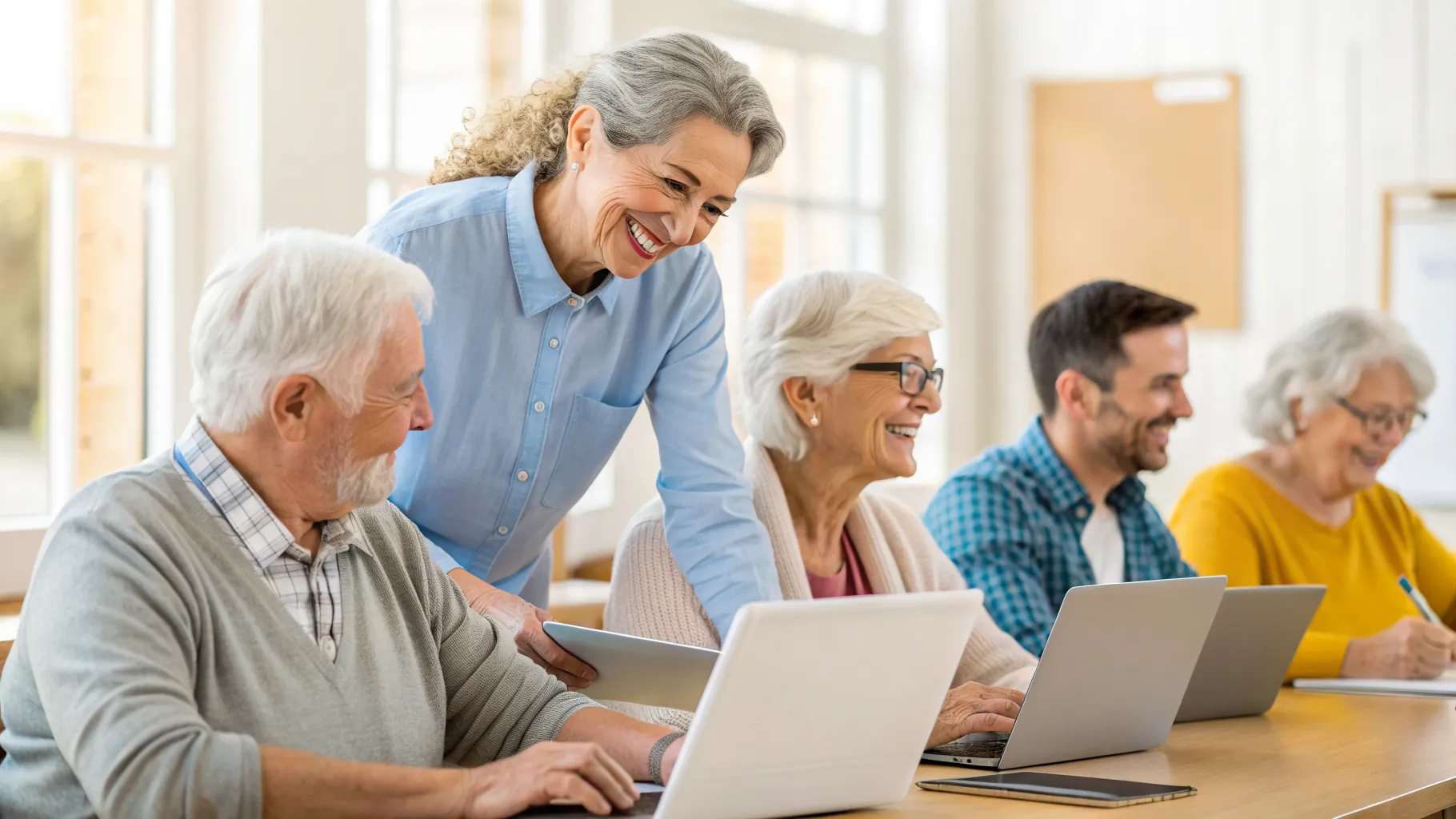
Why Computer Classes for Seniors Are Important
Technology plays a vital role in daily life, from managing healthcare and finances to staying connected with family members who live far away. Without a solid understanding of how devices operate, older adults can easily feel left behind or isolated in an increasingly digital society. Taking dedicated computer classes for seniors bridges this gap by providing a safe, supportive space to ask questions and learn at a comfortable pace.
Taking basic computer classes also helps protect older adults from online threats. Knowledge is the best defense against phishing scams, malware, and identity theft. By learning how to identify secure websites and create strong passwords, seniors can browse the internet with peace of mind and independence.
Core Skills Taught in Basic Computer Classes
Beginner computer classes typically focus on foundational skills that apply to both desktop computers and laptops. Instructors start with the absolute basics, assuming no prior knowledge, which eliminates the pressure to keep up with more advanced users. Students learn how to turn the machine on and off properly, adjust screen settings for better visibility, and understand the difference between hardware and software.
As the course progresses, the curriculum usually shifts to practical internet and communication skills. Common topics covered in these programs include the following essentials:
- Operating the mouse, trackpad, and keyboard effectively
- Navigating the desktop and organizing files into folders
- Connecting to Wi-Fi networks safely and managing passwords
- Sending, reading, and replying to emails with attachments
- Using video calling software to talk with family and friends
In-Person versus Online Computer Basics for Older Adults
When searching for the right educational setting, prospective students will encounter both physical classrooms and virtual learning options. In-person computer basics for older adults are incredibly popular because they offer hands-on assistance. If a student gets stuck on a specific screen, the instructor can simply walk over and point to the exact button they need to click. This physical presence builds a strong sense of community and allows peers to socialize during breaks.
On the other hand, online computer classes allow older adults to learn from the comfort of their own homes. These virtual sessions are ideal for individuals with mobility challenges or those living in rural areas without easy access to community centers. While learning technology through a technological medium might seem counterintuitive at first, many programs provide detailed phone support to help students log into their first virtual session.
Where to Find Senior Computer Lessons
Local community centers and public libraries are often the best starting points for finding accessible technology education. Public libraries frequently host free or low-cost workshops led by staff members or knowledgeable volunteers. These sessions are usually small, ensuring that everyone gets the individual attention required to grasp new concepts. Additionally, libraries provide public computers, meaning students do not necessarily need to own a device to start learning.
Senior centers, local community colleges, and adult education programs also frequently host specialized workshops. Many community colleges have lifelong learning institutes that offer senior computer lessons on everything from basic typing to advanced digital photography organization. It is always a good idea to check the seasonal program catalogs mailed out by city parks and recreation departments for upcoming schedules.
What to Expect in Beginner Computer Classes
Entering a classroom environment after many years can feel intimidating, but senior computer lessons are designed specifically to be welcoming and low-stress. The atmosphere is generally relaxed, with instructors who are trained to communicate technical jargon in plain, everyday language. You will not find high-pressure exams or strict grading systems here; the focus is entirely on personal progress and practical application.
Patience is a hallmark of these courses. Instructors expect students to ask questions, make mistakes, and take their time completing exercises. Often, classes provide step-by-step printed manuals or digital handouts with large text and clear pictures. This allows students to follow along during the lesson and recreate the steps independently when they return home.
Tips for Getting the Most Out of Your Learning Experience
To truly master new technological skills, consistent practice outside of the classroom is essential. Attending a class once a week is a great start, but muscle memory and digital fluency develop through regular repetition. Students should try to spend at least fifteen minutes a day reviewing what they learned, whether that means typing a short document, browsing a favorite news website, or sending a test email to a relative.
Here are a few additional strategies to ensure a successful learning journey:
- Take detailed handwritten notes during demonstrations to reference later
- Practice new skills immediately after the lesson ends while the information is fresh
- Do not be afraid to ask the instructor to repeat a step if it was confusing
- Partner with a classmate to practice emailing, sharing files, or video chatting
- Keep a dedicated notebook for usernames, passwords, and important website addresses