Learning Microsoft Excel for Beginners: Your Ultimate Guide to Excel Training
Facts:
- Over 750 million people use Microsoft Excel worldwide.
- Proficiency in Excel can increase salary potential for office workers.
Why Starting Your Excel Journey is a Career Superpower
Embarking on the path of learning microsoft excel for beginners is one of the most valuable investments you can make in your professional development. In today's data-driven world, the ability to organize, analyze, and visualize information is no longer a niche skill but a fundamental requirement for countless roles. Whether you're an aspiring data analyst, a small business owner, or an administrative professional, a solid foundation in this powerful software is essential. This guide is designed to be your starting point, providing clear steps for anyone new to excel for beginners and looking for effective excel training.
Navigating the Grid: Core Concepts for Excel for Beginners
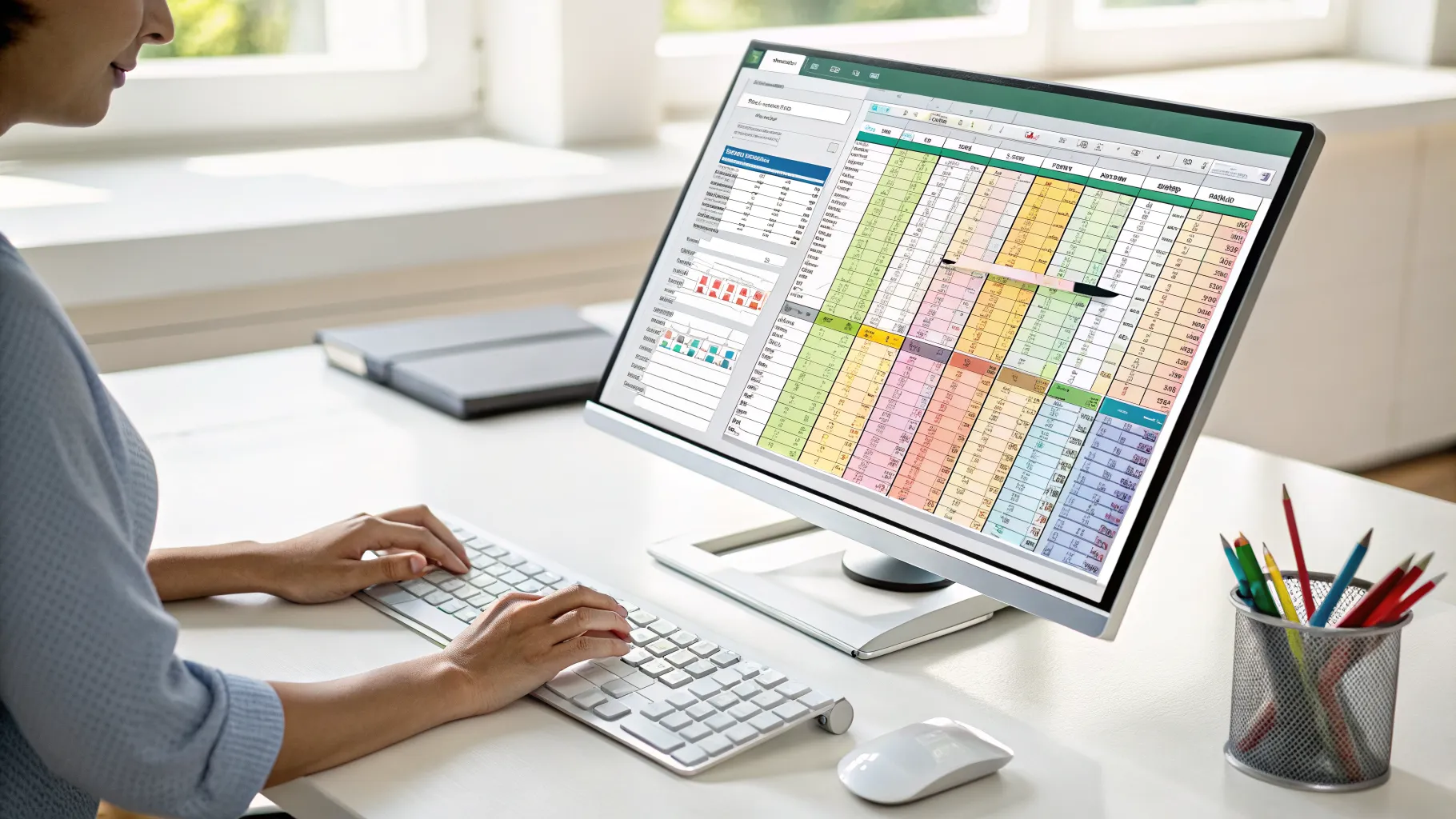
Before you can perform complex calculations, you must understand the basic layout of Excel. The primary interface is a grid composed of columns (lettered A, B, C...) and rows (numbered 1, 2, 3...). The intersection of a column and a row is called a cell, and each cell has a unique address, like A1 or C15. This is where you input data—text, numbers, or formulas. Understanding the Ribbon at the top of the screen is also crucial. It's organized into tabs like 'Home,' 'Insert,' 'Page Layout,' and 'Formulas,' each containing groups of related commands. Taking the time to explore this interface is a non-negotiable first step in any effective excel training program. Mastering navigation is fundamental when you want to truly learn excel.
Unlocking a World of Data: Essential Formulas and Functions
The true power of Excel lies in its ability to perform calculations using formulas and functions. For those just starting out, a few key functions are essential. The SUM function (=SUM(A1:A10)) is perhaps the most famous, allowing you to add up a range of numbers instantly. Other vital functions include AVERAGE, COUNT (to count cells with numbers), and COUNTA (to count non-empty cells). As you progress, you'll encounter the IF function, a logical tool that allows Excel to make decisions based on criteria you set. For anyone seeking to learn excel, mastering these basic functions is the gateway to more advanced data analysis. Many microsoft excel classes dedicate significant time to building a strong foundation in these core formulas.
Choosing Your Path: How to Find the Best Microsoft Excel Classes
With a plethora of options available, finding the right learning resource can be overwhelming. The choice between online and in-person microsoft excel classes often comes down to personal learning style and budget. Online platforms like Coursera, Udemy, and even Microsoft's own learning center offer structured courses that you can take at your own pace. These are excellent for self-motivated learners. In-person workshops provide direct interaction with an instructor, which can be invaluable for asking questions and getting immediate feedback. When evaluating any form of excel training, look for a curriculum that starts with the basics and builds progressively. A good course for excel for beginners will cover data entry, formatting, basic formulas, charts, and data sorting.
Practice Makes Perfect: Actionable Tips for Effective Excel Training
Simply watching tutorials is not enough to master this software. Consistent, hands-on practice is the key to retention and proficiency. Here are some actionable tips to enhance your journey of learning microsoft excel for beginners:
- Work with Real Data: Instead of using generic sample files, try applying what you learn to a personal project. This could be a personal budget, a workout log, or a list of household expenses. Working with relevant data makes the learning process more engaging and memorable.
- Learn Keyboard Shortcuts: Excel is packed with keyboard shortcuts that can dramatically speed up your workflow. Start by learning a few basics like Ctrl+C (Copy), Ctrl+V (Paste), and Ctrl+Z (Undo), and gradually add more to your repertoire. This is a core part of efficient excel training.
- Break Down Complex Problems: When faced with a challenging task, don't try to solve it all at once. Break it down into smaller, manageable steps. This approach makes complex problems less intimidating and helps you understand the logic behind the solution.
- Don't Be Afraid to Experiment: The best way to learn excel is by exploring its features. Create a dummy workbook and play around with different functions, charts, and formatting options. The 'Undo' button is your best friend during this discovery phase.
Frequently Asked Questions
How long does it take for learning Microsoft Excel for beginners?
The time it takes to learn Excel varies greatly depending on the individual's learning pace and goals. Basic proficiency, including navigation, data entry, and simple formulas like SUM, can be achieved within a few days to a week of consistent practice. Reaching an intermediate level often takes a few months of regular use and dedicated excel training.
Are free Microsoft Excel classes worthwhile?
Yes, many free resources are excellent starting points. Platforms like YouTube and Microsoft's own support website offer high-quality tutorials for excel for beginners. While paid courses often provide more structure, certification, and direct support, free options are perfect for mastering the fundamentals before committing to a paid excel training program.
What is the first thing I should learn in Excel?
The very first thing to learn is the user interface: understanding rows, columns, cells, and the Ribbon. Once you are comfortable navigating the worksheet, you should focus on data entry and basic formatting. From there, move on to writing your first simple formulas. This foundational knowledge is crucial to successfully learn excel.
References
- Microsoft Excel Official Documentation
- Journal of Workplace Learning
- Digital Skills Gap Report