Computer Basics Classes for Seniors: A Complete Guide
Facts:
- Internet usage among adults 65+ is steadily increasing.
- The demand for senior computer training has grown by over 30% in the last five years.
Unlocking the Digital World: Why Computer Basics Classes for Seniors Are Essential
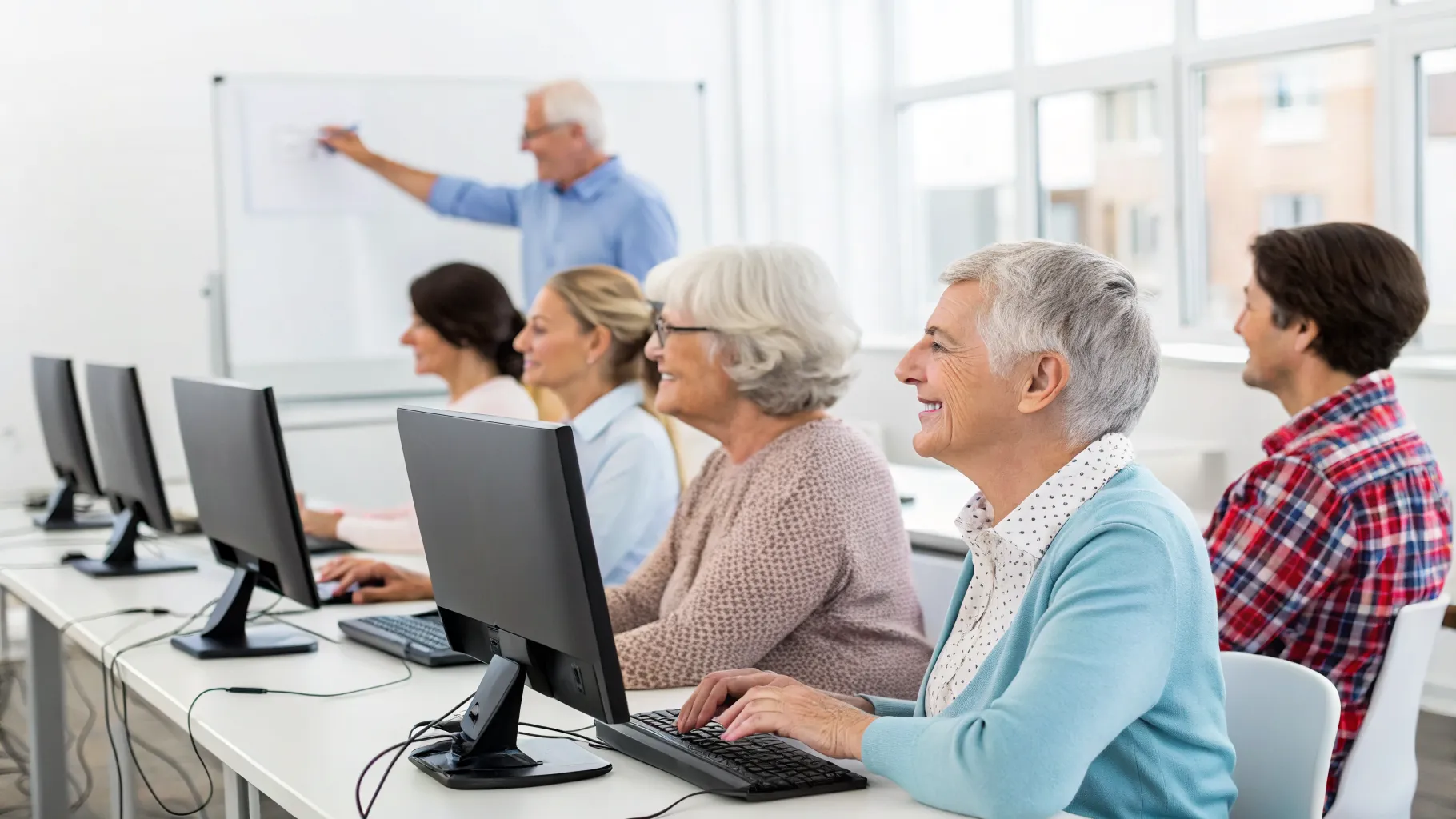
In our increasingly connected society, digital literacy has become a fundamental skill for people of all ages. For many older adults, the rapid evolution of technology can seem daunting, creating a digital divide that impacts communication, access to services, and daily life. This is precisely where specialized courses can make a profound difference. An introduction to computers for seniors is designed to be a welcoming and patient first step into the digital realm. These programs focus on building a strong foundation, ensuring that every participant feels comfortable and confident. By enrolling in computer basics classes for seniors, you are not just learning to use a device; you are opening up a world of possibilities for connection, convenience, and lifelong learning.
What Core Skills Are Taught in Basic Computer Lessons for Older Adults?
The curriculum of most beginner courses is carefully structured to cover the absolute essentials without being overwhelming. The primary goal of basic computer lessons for older adults is to build confidence from the ground up. You will start with the very fundamentals, such as understanding the main components of a computer, using a mouse and keyboard effectively, and navigating the desktop. From there, instructors will guide you through opening and closing applications, creating and saving files, and organizing your documents into folders. A significant portion of the training is dedicated to the internet. You will learn how to connect to Wi-Fi, use a web browser like Chrome or Safari, and effectively search for information on Google. Email communication is another key module, covering how to create an account, send and receive messages, and attach photos. This comprehensive approach to digital skills for seniors ensures you leave with a practical skill set you can use immediately.
Finding the Right Senior Computer Training Program for You
There are various formats for senior computer training, and choosing the right one depends on your learning style, budget, and location. Many local libraries and community centers offer free or low-cost group workshops, which provide a wonderful social environment for learning alongside peers. These in-person computer basics classes for seniors are excellent for those who benefit from hands-on guidance. For those who prefer learning from home, numerous online courses offer self-paced modules with video tutorials and support forums. Another effective option is one-on-one tutoring, which offers a personalized learning plan tailored to your specific goals, whether it's learning to video call with grandchildren or manage online banking securely. When comparing options, consider class size, the pace of instruction, and the specific topics covered to ensure the program aligns with your needs for an introduction to computers for seniors.
The Everyday Benefits of Mastering Digital Skills for Seniors
The practical advantages of becoming tech-savvy are immense and can significantly enhance your quality of life. Mastering digital skills for seniors means you can easily stay in touch with family and friends through email, social media, and video calls, regardless of distance. It empowers you to manage essential tasks online, such as banking, paying bills, and scheduling doctor's appointments through patient portals, offering a new level of convenience and independence. The internet also opens up a universe of entertainment and hobbies, from streaming movies and listening to music to joining online book clubs or tracing your family history. Furthermore, these skills are crucial for staying informed about news and community events. Ultimately, completing basic computer lessons for older adults is an investment in your personal growth and ability to participate fully in the modern world.
Actionable Advice for Getting the Most from Your Training
To maximize your learning experience and ensure your new skills stick, it's helpful to adopt a few key strategies. Here are some practical tips as you begin your journey with senior computer training:
- Practice Consistently: Set aside a little time each day to practice what you've learned. Repetition is key to building muscle memory and confidence. Even 15-20 minutes a day can make a huge difference.
- Take Detailed Notes: Don't be afraid to write down step-by-step instructions, definitions, and shortcuts in a dedicated notebook. These notes will become your personal user manual when you're practicing on your own.
- Ask Questions Fearlessly: Your instructors are there to help. If you don't understand something, ask for clarification. Chances are, someone else in the class has the same question. There are no silly questions in computer basics classes for seniors.
- Focus on One Goal at a Time: Instead of trying to learn everything at once, focus on mastering a single task, such as sending an email with an attachment, before moving on to the next. This prevents you from feeling overwhelmed.
- Stay Patient and Positive: Learning any new skill takes time and patience. Celebrate small victories and remember that it's okay to make mistakes. The goal is progress, not perfection.
Frequently Asked Questions
Are computer basics classes for seniors difficult?
Not at all. These classes are specifically designed for absolute beginners. Instructors use a slow, methodical pace and avoid technical jargon. The entire environment is structured to be supportive and encouraging, ensuring everyone can learn comfortably.
What kind of computer do I need for an introduction to computers for seniors?
For most in-person classes, all necessary equipment, including computers, is provided. If you are taking an online course, you will need a reliable computer (laptop or desktop) and a stable internet connection. The course description will always specify any requirements.
Where can I find free senior computer training programs?
Many public libraries are excellent resources for free technology workshops. Additionally, local senior centers, non-profit organizations like AARP, and community volunteer groups often provide no-cost digital skills for seniors programs.
References
- Pew Research Center - Tech Adoption Climbs Among Older Adults
- AARP Foundation - Technology & Digital Literacy Resources
- National Council on Aging - Digital Inclusion for Older Adults
- Cyber-Seniors - Connecting Generations Through Technology