A Guide to Computer Basics Classes for Seniors
In an increasingly connected world, having basic computer skills is more important than ever. For seniors, learning to use a computer, tablet, or smartphone can open up new ways to connect with family, manage daily tasks, and explore new interests. Enrolling in a class specifically designed for older adults can provide a comfortable and supportive environment to build these essential digital literacy skills.
Why Building Digital Skills Matters
Learning how to use a computer offers a wide range of practical benefits that can enhance daily life. One of the most significant advantages is the ability to stay connected with loved ones. Email, video calls, and social media platforms make it easier than ever to communicate with family and friends who live far away, allowing you to see grandchildren's faces and share life's moments in real time.
Beyond social connections, digital literacy promotes independence and convenience. You can manage your finances through online banking, pay bills without writing a check, shop for groceries or other necessities from home, and access reliable health information from trusted sources. It also unlocks a world of entertainment and lifelong learning, from streaming movies and music to taking up new hobbies through online tutorials.
What You Will Learn in a Basic Course
An introductory computer course for seniors is designed to start from the very beginning, assuming no prior experience. The goal is to build a solid foundation of skills and confidence in a step-by-step manner. Instructors typically focus on the most practical and essential functions you'll need for everyday use.
While the exact curriculum can vary, most basic classes cover a standard set of topics. You can generally expect to learn about:
- Basic hardware: Identifying the main parts of a computer and turning it on and off.
- Using a mouse and keyboard: Practicing clicking, dragging, typing, and using essential keys.
- Navigating the operating system: Understanding the desktop, icons, files, and folders.
- Connecting to the internet: How to use a web browser to search for information.
- Email fundamentals: Setting up an account, sending, receiving, and replying to messages.
- Online safety: Recognizing common scams, creating strong passwords, and protecting your personal information.
Types of Computer Classes Available
There are several different formats for senior computer classes, allowing you to choose one that best fits your learning style and schedule. In-person classes held at community locations are a popular choice. These often feature a live instructor in a group setting, which provides opportunities for social interaction and hands-on help.
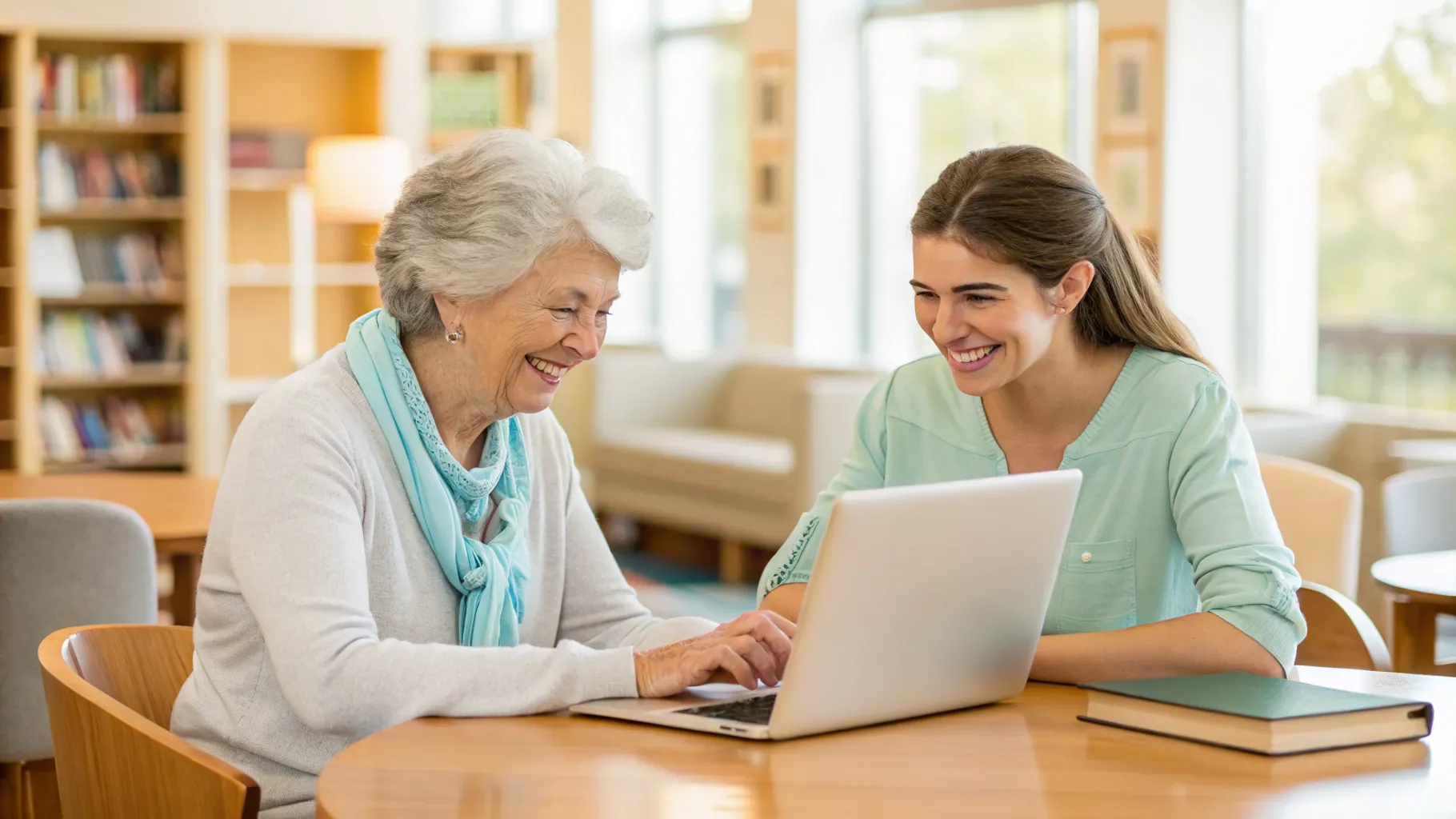
For more personalized instruction, one-on-one tutoring is another excellent option. This format allows the instructor to tailor the lessons specifically to your needs and pace. Alternatively, online courses offer flexibility, letting you learn from the comfort of your own home. These can be self-paced, with pre-recorded video lessons, or live virtual classes that allow for real-time interaction with the teacher and other students.
Where to Find Local Computer Classes
Finding a computer class in your area is often easier than you might think. Many community organizations offer free or low-cost programs specifically for seniors. A great first place to check is your local public library. Libraries are hubs for community education and frequently host introductory tech workshops.
Other excellent resources include local senior centers, community and recreation centers, and the continuing education departments of nearby community colleges. National organizations focused on older adults also sometimes partner with local groups to provide digital literacy training, so it can be helpful to check their websites for programs near you.
Understanding the Costs Involved
The cost of computer classes for seniors can vary widely, from completely free to a more significant investment for private tutoring. As mentioned, public libraries and non-profit senior centers often provide workshops at no charge, making them an accessible starting point for everyone. These programs are typically funded by the municipality or through grants.
Courses offered through community colleges or private training companies will usually have a fee. The price often depends on the length of the course, the size of the class, and the depth of the material covered. One-on-one tutoring generally has the highest hourly rate but offers the most personalized attention. When considering a paid course, be sure to ask what materials are included in the fee.
What to Look for in a Quality Program
When choosing a computer class, it's important to find a program that will provide a positive and effective learning experience. Look for courses with instructors who are known for being patient, clear, and experienced in teaching older adults. A good teacher will avoid jargon and create a welcoming environment where you feel comfortable asking questions.
The structure of the class is also important. Small class sizes are often better, as they allow for more individual attention from the instructor. The curriculum should be relevant to your goals, whether that's learning to video chat with family or managing your photos online. If possible, look for reviews or testimonials from past students to get a sense of their experience with the program and the instructor's teaching style.