Essential Computer Guide for Seniors and Technology Tips
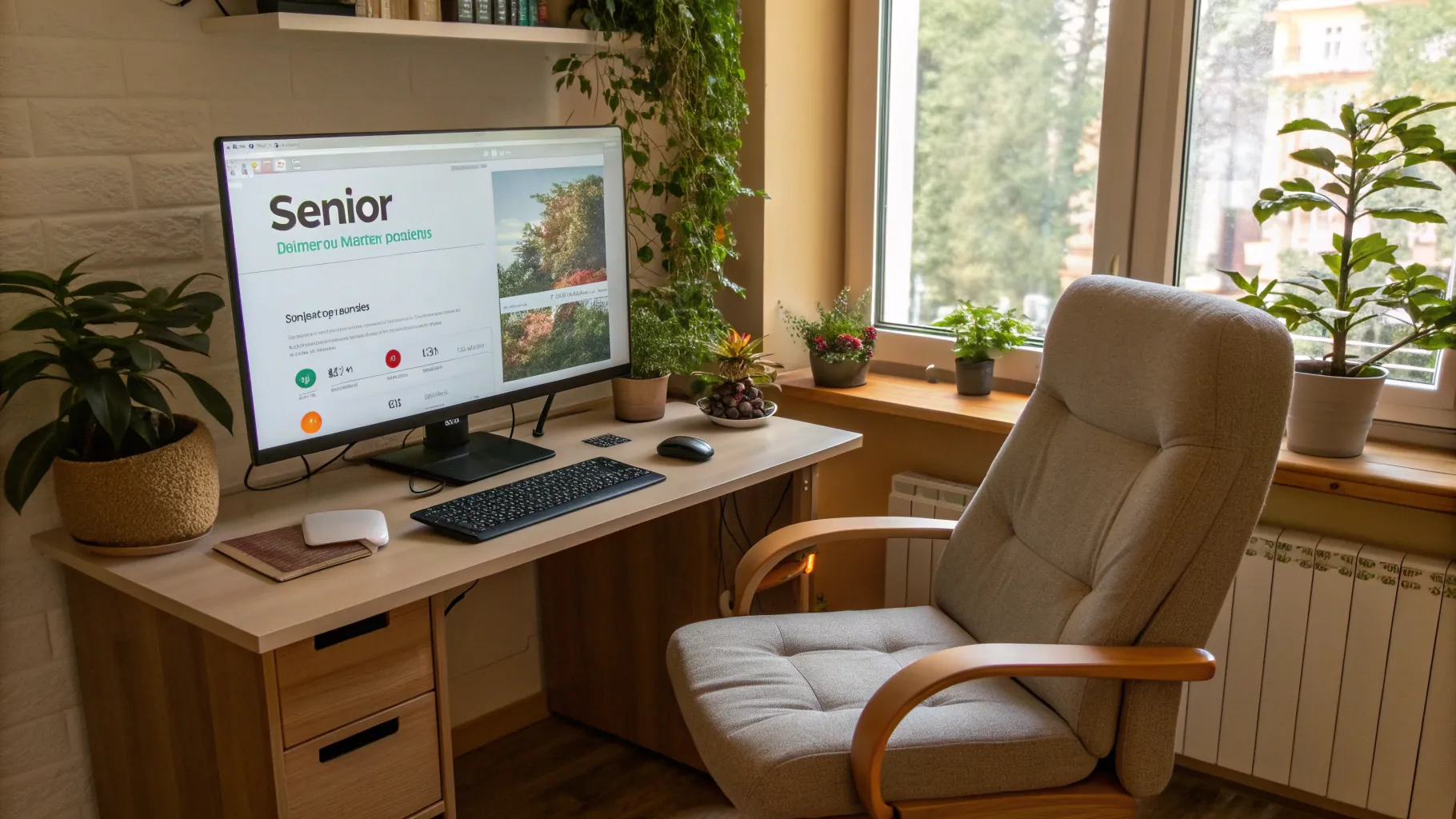
Learn About Computers for Seniors
In the modern digital landscape of 2025, technology continuously evolves, and for many seniors, keeping up can seem like an uphill battle. Yet, computers and the internet can offer a plethora of opportunities for communication, learning, entertainment, and connection with loved ones. With advances aimed at simplifying user experiences, navigating the technological world has never been more achievable for older adults.
According to recent studies, approximately 80% of seniors now use the internet, which demonstrates a tangible shift towards embracing technology. However, many still face challenges when accessing online platforms or utilizing computers effectively. Fortunately, tech companies increasingly recognize these barriers, which has led to improved tools and devices aimed specifically at the senior demographic.
Essential Computer Features for Seniors
When exploring options for computers tailored to older adults, certain features can significantly enhance their experience. Here’s what to look for when selecting a computer:
- Large Displays: A screen size of at least 15 inches can make a world of difference in visibility and help reduce eye strain. A higher resolution can further ensure clarity in images and text.
- User-Friendly Operating Systems: Consider models that come with intuitive operating systems like Windows 11 or the latest macOS. These environments include built-in guidance that greatly aids navigability.
- Touchscreen Functionality: Touchscreens facilitate a more engaging experience for seniors who might struggle with traditional keyboards and mice. They allow for simple swipe commands and direct interaction.
- Ergonomically Designed Keyboards and Mice: Look for larger, full-sized keyboards with tactile feedback, as well as mice that are designed with the user's comfort in mind. These products are aimed to decrease discomfort during prolonged use.
- Voice Recognition Capabilities: Computers with advanced voice assistants can drastically simplify everyday tasks, enabling users to search the web, send messages, and operate devices hands-free.
Popular devices, such as the latest Dell Inspiron 15 and Apple iMac, are equipped with many of these features, thus making them excellent choices for seniors who prioritize ease and comfort in technology use.
Top User-Friendly Laptops and Desktops for Seniors
Choosing the right computer can greatly affect a senior adult’s learning journey. Here are several well-suited options available in 2025:
- Acer Chromebook 15: This laptop is an excellent option thanks to its lightweight design, long battery life, and user-friendly Chrome OS, which is perfect for navigating the online world.
- Apple iPad: While technically a tablet, the iPad offers seniors an intuitive user experience, rich accessibility settings, and a wide variety of helpful apps for managing daily tasks.
- HP Pavilion Desktop: Known for its ample screen size and solid performance, this desktop is easy to set up and offers sufficient memory for seniors who want to store photos and documents without hassle.
- Lenovo IdeaPad 3: With its full-sized keyboard and responsive touchscreen, this laptop blends traditional computing with modern features, making it a favorable choice for seniors.
Helpful Technology Tips for Seniors Learning Computers
As older adults embark on their journey into computer literacy, patience and practice are crucial. Here are several practical tips that can help ease the process:
- Master the Basics: Start by introducing fundamental tasks such as turning the device on, using a mouse, navigating the desktop, and comprehending the functions of common icons.
- Encourage Regular Practice: Psychology teaches us that repetition leads to mastery. Encourage seniors to practice on their computers consistently to build confidence and proficiency.
- Highlight Online Safety: It's vital to educate seniors about safe internet practices, including the importance of safeguarding personal information, creating strong passwords, and recognizing phishing attempts.
- Join Online Communities: Participating in forums or social media groups designed for seniors can foster support and create a sense of belonging. These resources are invaluable for troubleshooting and encouragement.
Implementing these strategies will empower seniors to navigate technology with greater confidence and competence. The more skilled they become, the more enriching their digital experience will be.
Accessibility Options for Seniors on Computers
Modern operating systems are equipped with a multitude of accessibility features that cater specifically to older adults, ensuring they can engage with technology comfortably:
- Screen Magnification: Almost all contemporary operating systems include screen magnifiers, allowing seniors to enlarge text and images for better readability.
- Text-to-Speech Functionality: Ideal for seniors experiencing visual impairments, this feature reads content aloud, alleviating the strain of reading and enhancing understanding.
- Customizable Display Settings: Users can adapt their devices by adjusting text size, contrast, and color schemes to meet their specific visual requirements.
- Closed Captioning: This feature is a boon for seniors who enjoy watching videos, as having closed captions can significantly enhance their understanding of visual content.
Utilizing these tools can make a senior's computing experience not just manageable but enjoyable and fruitful. As technology progresses, inclusivity and accessibility continue to be at the forefront, allowing older generations to participate fully in the digital age.
The rise of simplified, senior-friendly computers signals a new era of opportunities for older adults. With dedicated designs and focused usability enhancements, navigating the digital world becomes more accessible, ensuring that seniors can enjoy the vast benefits that technology has to offer.