Computer Basics for Seniors: A Complete Guide to Getting Started
Facts:
- Over 75% of adults over 65 now use the internet.
- A growing trend is online computer classes seniors can take from home.
Navigating the Digital World: A Gentle Start for Seniors
Stepping into the world of computers can feel like learning a new language, but it's a journey filled with rewarding connections and endless information. This guide is designed specifically to introduce the fundamentals of computer basics for seniors in a clear, patient, and easy-to-understand way. Whether you want to see pictures of your grandchildren, send an email, or simply read the news online, mastering these skills is the first step. Our goal is to demystify technology and show you that with a little guidance, anyone can become confident online. This is the perfect starting point for any computer learning older adults are looking for, breaking down complex topics into manageable steps.
Mastering the Essentials: Your First Steps with a Computer
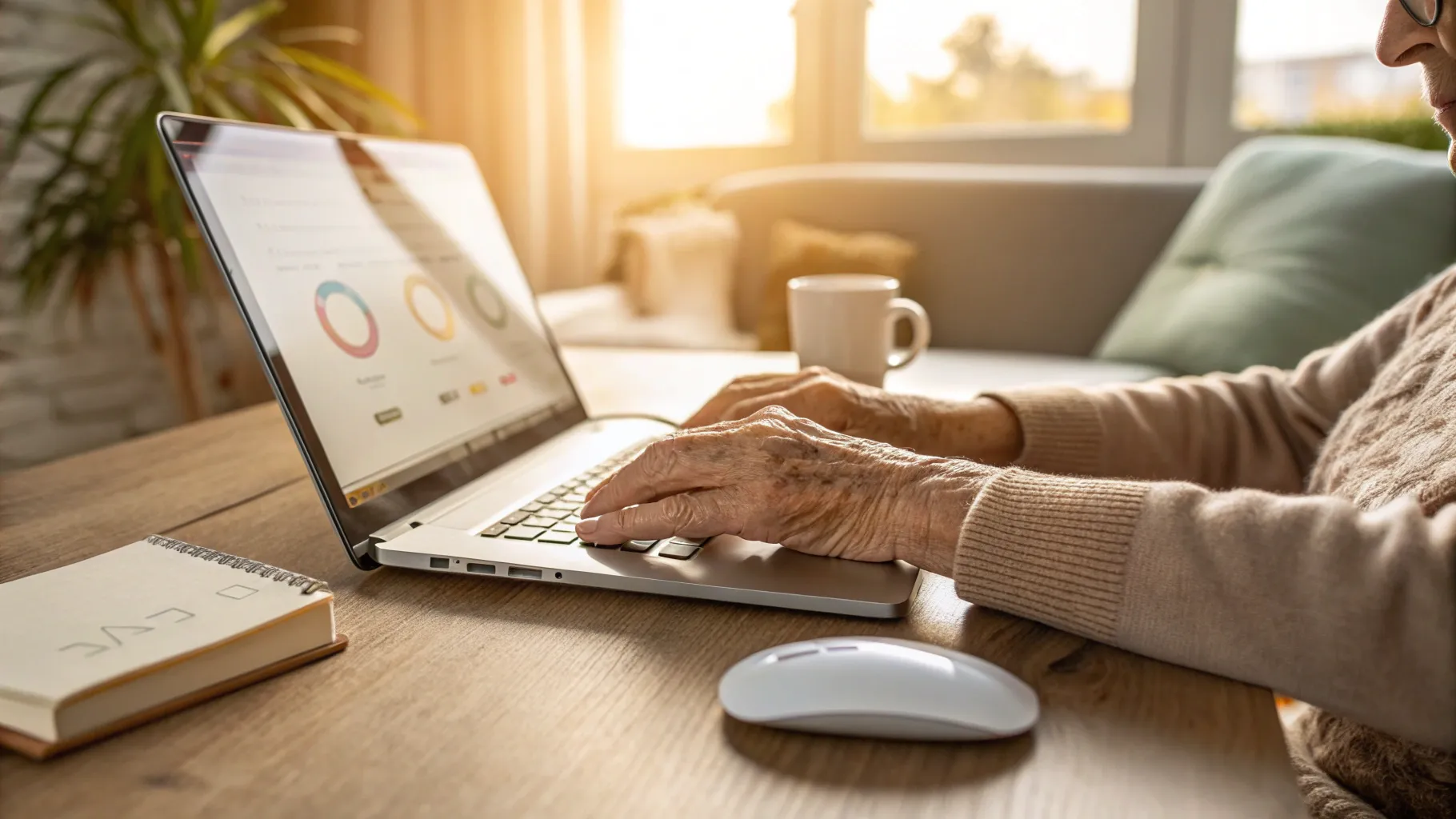
The very first step in any digital journey is getting comfortable with the hardware. Let's start with the absolute basics. The power button, often marked with a circle and a vertical line, brings the machine to life. Once it's on, you'll see the 'desktop,' which is your main workspace. The two most important tools you'll use are the mouse and the keyboard. The mouse controls the pointer on the screen; moving the mouse moves the pointer. A single click selects an item, while a double-click opens it. The keyboard is for typing. Practice typing your name or simple sentences in a word processor to get a feel for the keys. These foundational basic computer skills seniors need are the building blocks for everything else you will do, from browsing the internet to writing an email. Don't be afraid to experiment; every click is a learning opportunity.
Connecting with Loved Ones: An Introduction to Email and Social Media
One of the biggest motivations for learning about computers is the desire to connect with family and friends. Email is a fantastic tool for this. Think of it as digital mail. You'll need an email address, which you can get for free from services like Gmail or Outlook. Setting one up is a key part of any intro computer seniors course. Once you have an address, you can compose messages, attach photos, and send them to anyone in the world instantly. Social media platforms like Facebook are another way to connect. You can share updates, see photos from loved ones, and join groups based on your hobbies. Learning to navigate these platforms safely is an important aspect of computer basics for seniors, allowing you to stay in touch and feel part of a community, no matter the distance.
Staying Safe Online: Simple Security Tips for Older Adults
The internet is a vast and wonderful place, but it's also important to be cautious. Online safety is a crucial component of computer learning older adults should prioritize. The first rule is to create strong, unique passwords for your accounts. A good password includes a mix of upper and lowercase letters, numbers, and symbols. Avoid using obvious information like your birthday or pet's name. Second, be wary of unsolicited emails, especially those asking for personal information or money. These are often scams. Never click on suspicious links or download attachments from unknown senders. Finally, make sure your computer has antivirus software installed to protect it from malicious programs. These simple but effective basic computer skills seniors can learn will help protect your privacy and give you peace of mind as you explore the digital world.
Finding a Community: The Best Computer Classes for Seniors
While self-learning is possible, many find that structured lessons are the best way to build confidence. There are many excellent computer classes seniors can join. These classes provide a supportive environment where you can ask questions and learn at your own pace. Here are some options to consider:
- Local Community Centers: Many senior centers and community colleges offer affordable, in-person classes specifically designed as an intro computer seniors can easily follow. This is a great way to learn and socialize.
- Library Workshops: Public libraries are a fantastic resource. They often host free workshops on topics ranging from email basics to internet safety, providing essential knowledge on computer basics for seniors.
- Online Courses: Websites like Coursera, Udemy, and even AARP's Technology Education Center offer virtual courses you can take from home. This allows for flexible computer learning older adults can fit into any schedule.
- Family and Friends: Don't hesitate to ask a tech-savvy grandchild or friend for help. A one-on-one session can be incredibly effective for mastering specific tasks.
Frequently Asked Questions
What are the most important basic computer skills seniors should learn first?
The most crucial skills to start with are turning the computer on and off, using the mouse and keyboard, opening and closing applications, and connecting to the internet. Mastering these fundamentals of basic computer skills seniors need will build a strong foundation for learning more complex tasks like email and web browsing.
Is it difficult to start learning computer basics for seniors?
Not at all! While it may seem daunting, modern computers are designed to be user-friendly. The key is to be patient with yourself and start with simple, achievable goals. Many resources, like a good intro computer seniors course, are designed to make the process gentle and encouraging.
Where can I find good computer classes seniors can trust?
Look for classes at local senior centers, public libraries, or community colleges. AARP also offers excellent online resources. These organizations are dedicated to providing safe and effective computer classes seniors can benefit from, focusing on practical skills in a supportive environment.
References
- AARP Technology Education & Resources
- GCFLearnFree.org - Computer Basics
- National Institute on Aging - Online Safety
- Public Library Association - Digital Literacy Resources