A Complete Guide to Computer Basics for Seniors
Facts:
- Digital literacy among seniors has more than doubled in the last decade.
- Online courses are a growing trend for computer learning older adults.
Unlocking the Digital World: First Steps in Computer Literacy
It's never too late to learn a new skill, and in today's connected world, understanding the fundamentals of a computer is more important than ever. This guide is specifically designed to introduce the core concepts of computer basics for seniors in a clear, patient, and easy-to-understand way. Whether you want to connect with family, manage your finances online, or simply explore a new hobby, mastering these skills is the first step. We will walk you through everything from the hardware to the internet, providing a solid foundation for your journey into computer learning older adults.
Getting Comfortable with Your Tools: The Mouse and Keyboard
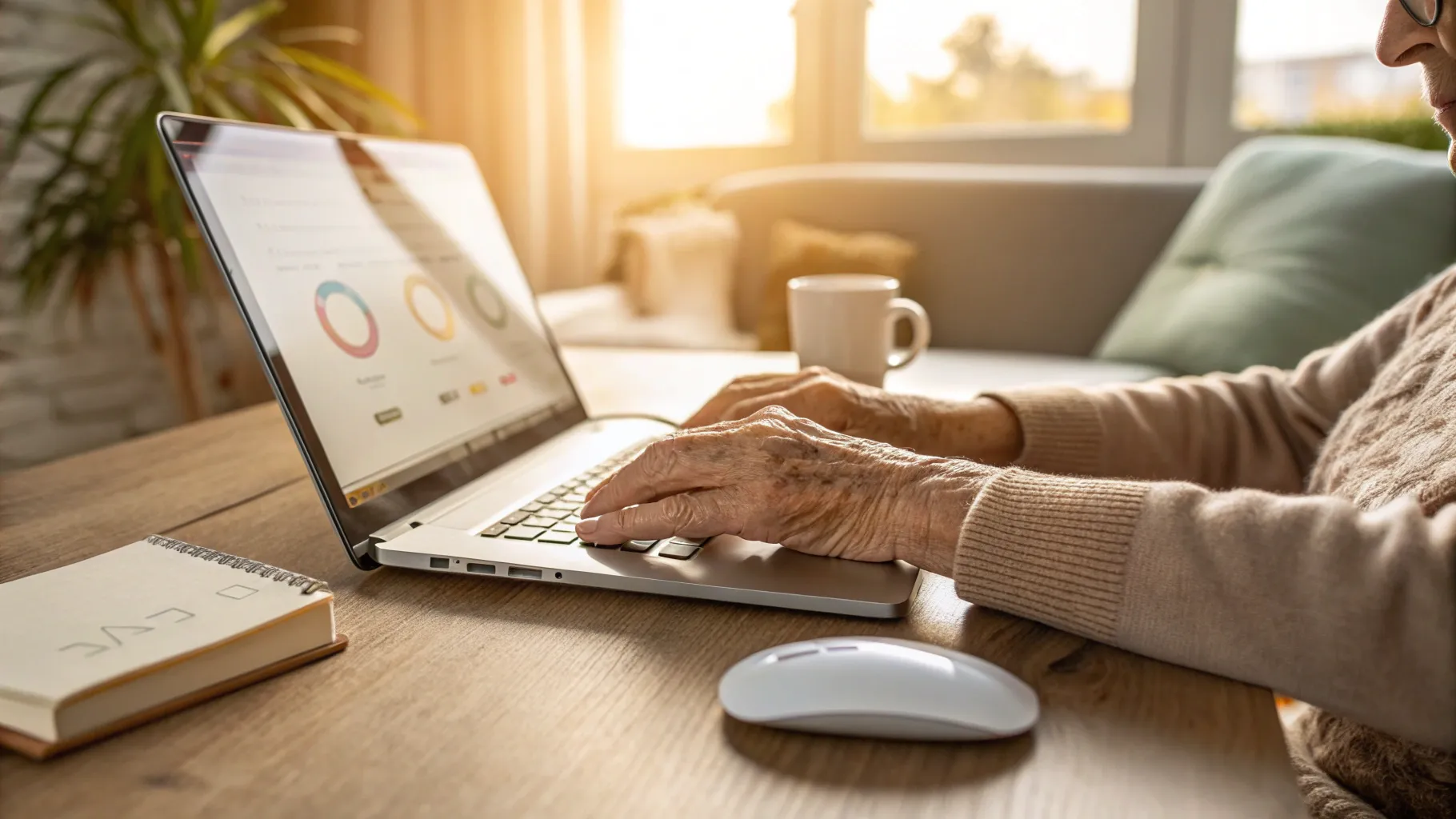
The mouse and keyboard are your primary tools for interacting with a computer. Think of the mouse as your hand inside the screen; it moves a pointer, called a cursor, to click on icons, links, and buttons. The left mouse button is for selecting or opening items, while the right button usually opens a menu of options. The scroll wheel in the middle lets you move up and down on pages. The keyboard is for typing text. Most keyboards use the 'QWERTY' layout. Key buttons to know are the 'Enter' or 'Return' key to confirm an action, the 'Backspace' key to delete text behind the cursor, and the 'Shift' key to make capital letters. Practicing with these tools is a fundamental part of learning basic computer skills seniors will use every day.
Navigating Your Digital Space: The Desktop and Files
When you turn on your computer, the first screen you see is the desktop. It's your main workspace, containing icons, which are small pictures that act as shortcuts to programs or files. The 'Start Menu' (usually in the bottom-left corner) is the main gateway to all your applications and settings. Files are digital documents, like photos or letters, and they are stored in folders to keep them organized. Understanding how to create, name, and find folders is crucial. This organizational skill is a key component taught in any good intro computer seniors program, as it prevents the frustration of losing your important documents.
Connecting to the World: The Internet and Online Safety
The internet is a vast network that connects computers worldwide, giving you access to information, entertainment, and communication. To access it, you use a program called a web browser, such as Google Chrome, Microsoft Edge, or Safari. You can visit websites by typing their address into the address bar. While the internet is an amazing resource, safety is paramount. It's vital to create strong, unique passwords for different websites and be cautious of unsolicited emails or links, which could be phishing scams. These safety protocols are a non-negotiable part of the curriculum for computer basics for seniors, ensuring a secure online experience.
Choosing Your Learning Style: In-Person vs. Online Courses
When it comes to learning, everyone has a preference. For those who enjoy structured environments and direct interaction, local computer classes seniors can be an excellent choice. These are often held at community centers or libraries and provide hands-on help from an instructor. On the other hand, for self-motivated learners, online tutorials and videos offer incredible flexibility, allowing you to learn at your own pace from home. Many websites offer free courses on basic computer skills seniors can access anytime. Both methods have their merits; the best choice depends on your personal learning style and the resources available to you. Exploring both options can be a great way to accelerate your computer learning older adults journey.
Actionable Advice for Continued Digital Growth
Becoming proficient with a computer is a journey, not a destination. To keep your skills sharp and continue growing your confidence, consider these practical tips:
- Practice Daily: Spend at least 15-30 minutes each day using your computer. Consistency is key to building muscle memory and retaining what you've learned about computer basics for seniors.
- Don't Fear Mistakes: Clicking the wrong thing is rarely a disaster. Most actions can be undone. Be curious and explore different programs without fear. This is how you learn.
- Ask for Help: If you get stuck, ask a family member, a friend, or search for an answer online. There are countless free resources and forums dedicated to helping beginners.
- Set Small Goals: Aim to achieve one new thing each week, like sending an email with an attachment, organizing your photos into a new folder, or finding a new recipe online. This makes the intro computer seniors process less daunting.
Frequently Asked Questions
What is the easiest type of computer for a beginner?
Many find that all-in-one desktop computers or laptops with larger screens are great for beginners. Devices with simple operating systems, like Chromebooks or iPads, can also be a good starting point for learning basic computer skills seniors need for daily tasks.
How can I find reputable computer classes seniors near me?
A great place to start is your local library, community center, or senior center. They often host free or low-cost workshops. You can also search online for 'computer classes seniors' followed by your city's name to find local offerings.
Is it safe to do banking or shopping online?
Yes, it is generally safe if you take the proper precautions. Only use secure websites (look for 'https://' in the web address), use strong passwords, and never share personal information via email. These are core topics in any modern course on computer basics for seniors.
References
- National Institute on Aging - Technology for Seniors
- Community Tech Network - Digital Literacy Resources
- AARP Technology - Guides and Tutorials for Older Adults
- DigitalLearn.org - Free Introductory Computer Courses